Rendering Perfectionism 1: Order of the Vector
Since this is the first port of this series, a quick primer. I maintain a cube called Trolley Problem Cube, the specifics of this cube are not relevant here. The important part is that I often need to make images (or so to say, renders) of cards in the cube that are not real or for some reason need a render different from their official render. (For example, some un-cards need added reminder text.)
This process is usually quite smooth and not that hard, however I am very perfectionistic when it comes to these renders. This often leads me to spend way too much time on small tasks that probably 0-1 people will ever notice. This series will be talking about such processes, simply because I want to talk about them.
For the first post I’ll immediately give an example of my going way too far, because it’s not even covering a card. I just needed the Order of the Widget watermark for a small flare on one of the cards. Now a normal person would’ve just taken it from a random contraption and been done with that, which is what I should have done. It is not what I did. I decided to make a fully vectorized version of the watermark.

Above you can see the two versions next to each other. The quality gap is really visible here, but on the card size you probably won’t notice it. One advantage of having done this is that I now have this for future projects. I think it’s unlikely I will need this again, but it’s possible.
Now just looking at the final result probably doesn’t quite capture how much effort went into making this. So below I include a version of the icon with each individual vector object colored, so you can see every shape I placed.
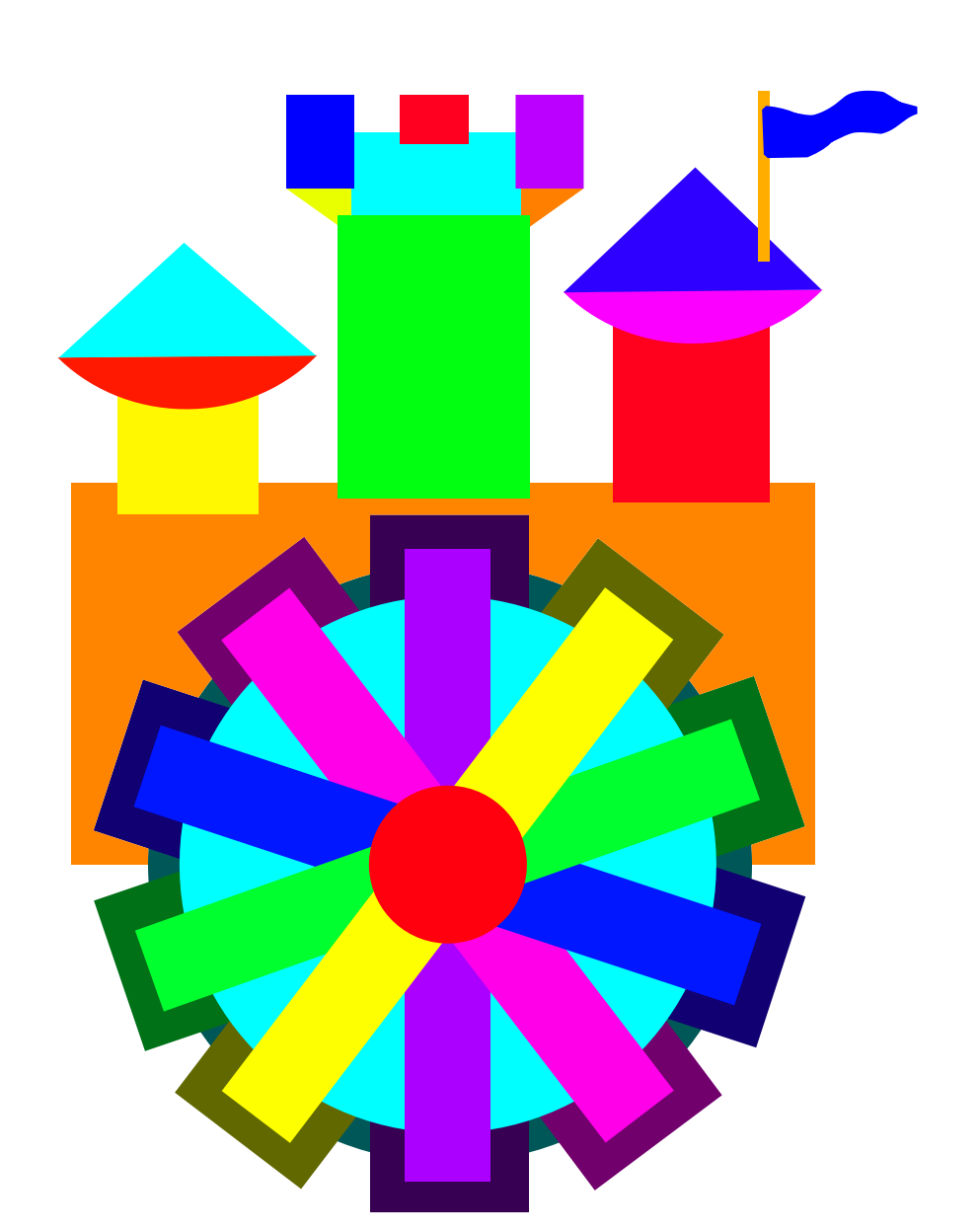
I wanted the icon to scale to any resolution perfectly, so all of the negatives have to be done in vector space too, which took a while. Especially since I’m not all that experienced working with vectors. But I did enjoy the process, and the end product is very satisfying to look at. Which means I’ll probably spend this much effort on something small again and write more articles about doing it. :)
Also, if you want to download the SVG so you can use this yourself, here is the link: Order of the Widget Vector